Background transfers
Large copies, moves, deletes, and downloads don't have to hold up your work. Peach Commander can run them in the background and collect them all in one place: the Background Transfer Manager. From there you watch each job's progress and transfer speed, pause or resume it, cancel it, or line jobs up to start later. Because a background job runs on its own, it never stops you from browsing, opening files, or starting the next transfer.
How to
- Start a copy, move, delete, or download and choose to run it in the background. The job appears in the Background Transfer Manager.
- Open the manager any time from Commands ▸ Background Transfer Manager… (or press Cmd+Shift+B).
- Each job shows a title, a progress bar, and a live line with files done, bytes transferred, and current speed.
- Use the per-job buttons to Pause, Resume, or Cancel while a job is running.
- A running job also carries a speed menu. Pick a limit — 1, 5 or 20 MB/s, or full speed — to get one transfer out of the way of something else without slowing the others down. It takes effect straight away, and Default hands the job back to the limit set in Configuration.
- For jobs you added but haven't started yet (held jobs), click Start on the job, or Start All to launch the whole waiting list at once. Use ▲ and ▼ to move a waiting job earlier or later in the queue; the buttons only appear where the move is possible, so a waiting job never jumps ahead of the transfer already running.
- When everything you care about has finished, click Clear Finished to tidy the list.
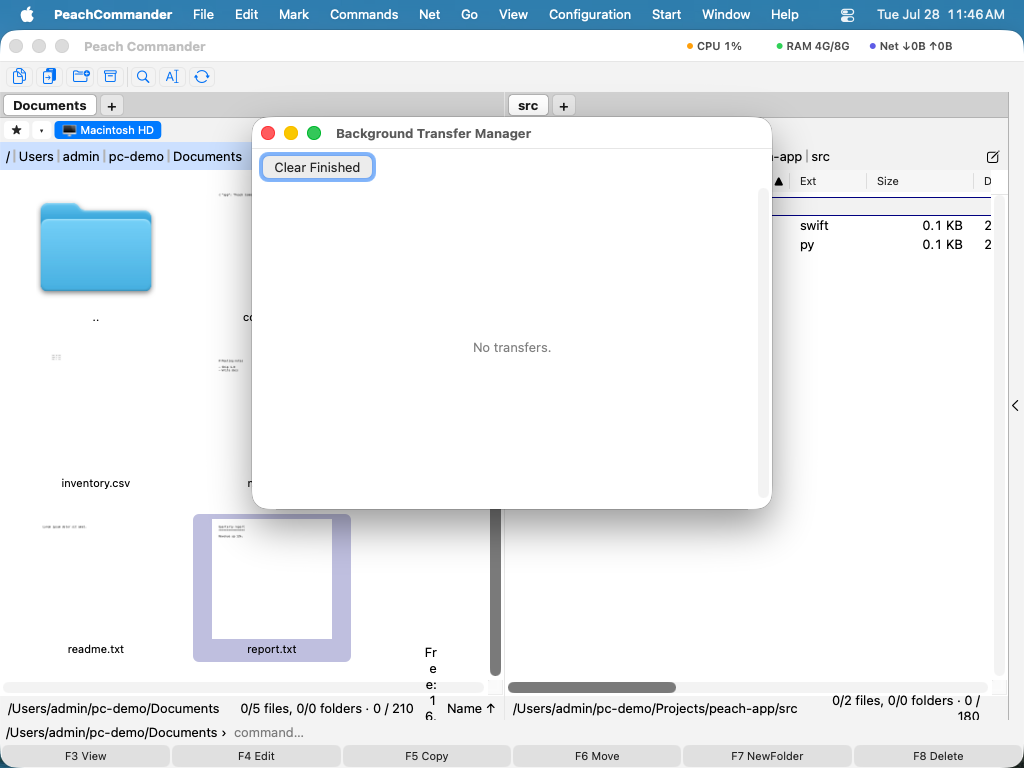
Each transfer is a row you can pause, resume, or cancel independently.
Shortcuts
| Action | Shortcut |
|---|---|
| Open the Background Transfer Manager | Cmd+Shift+B |
Tips
- Limit the speed. To keep a big transfer from saturating your connection or disk, set a speed limit in the copy dialog before you start the job. The manager then shows the throttled rate live.
- Queue for later. Held jobs sit in the list without running until you press Start (or Start All), so you can stage several transfers and kick them off together.
- Run several at once. Jobs run independently, so you can pause one while another keeps going.
Notes
Because a background job runs without you watching, it can't stop to ask questions. If a file already exists at the destination, the background job overwrites it; if an individual item can't be transferred, that item is skipped and the job keeps going. When the job finishes, any skipped items are collected in an error log so you can review exactly what went wrong.