Settings
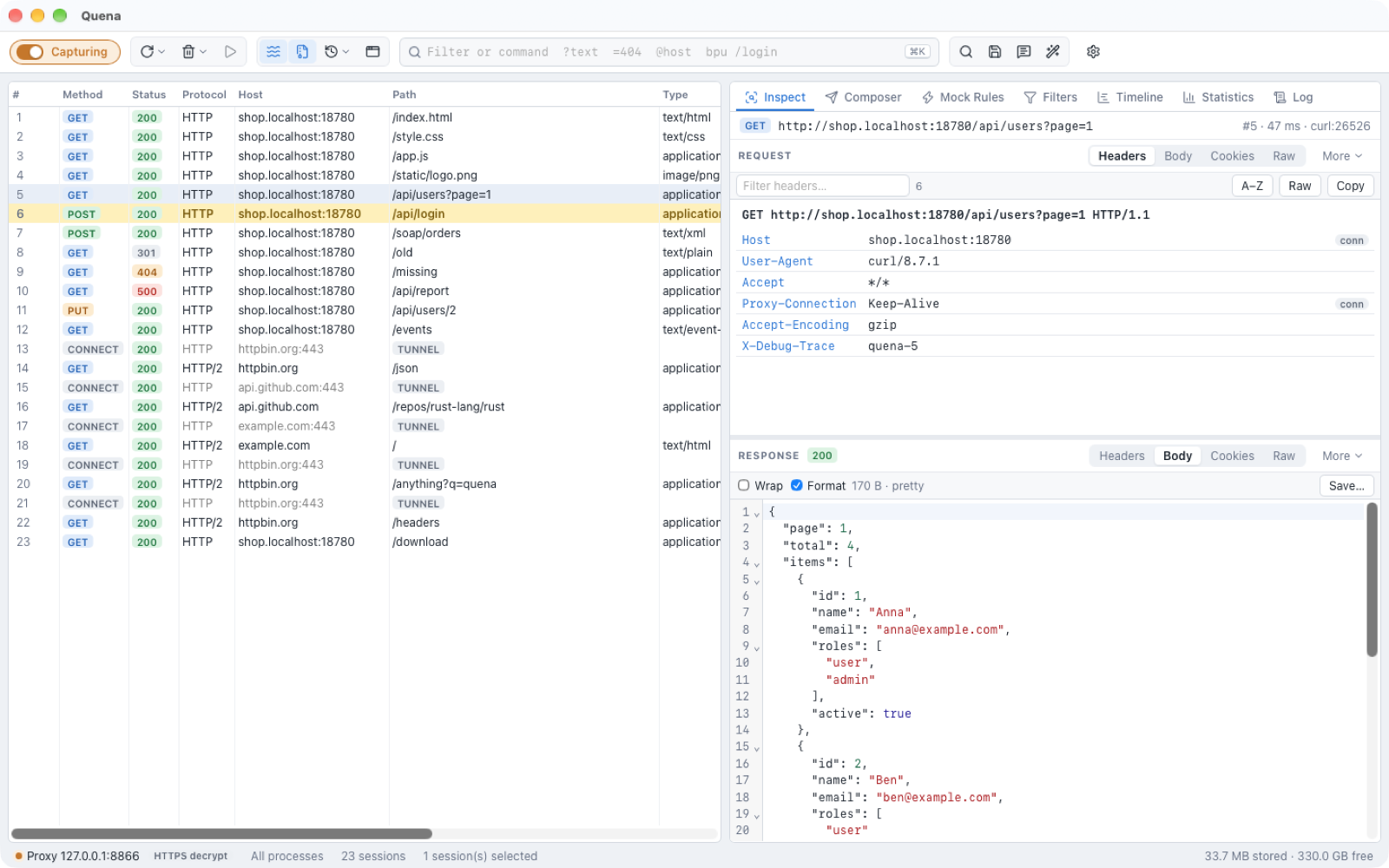
Open the settings with the gear button at the right of the toolbar, Quena → Settings…
(⌘ ,) on macOS, or Tools → Options… on Windows and Linux. Changes take effect when you
click OK, except for the layout, theme and inspector-view choices, which apply
immediately.
This manual uses the English names of menus and settings.
General
| Setting | Default | Meaning |
|---|---|---|
| Layout | Quena | Quena — list left, request and response side by side. Classic — dense list, request above response, more columns. |
| Theme | Like the system | Like the system, Light or Dark. |
| Language | Like the system | Like the system, English or Deutsch. Switching reloads the window and the menus. |
| Inspector views | on | Remember the chosen view for each kind of content, separately for request and response (e.g. SOAP → XML, JSON → Body). Shows how many are remembered, with Forget remembered views. |
| Capture traffic on startup | on | Start capturing when Quena starts. |
| Stream responses (instead of buffering) | on | Same as the Stream toolbar toggle. |
| Decode compressed bodies in inspectors | on | Same as the Decode toolbar toggle. |
| Keep capture data after exit | off | Keep the capture database after a clean exit. |
| Offer to recover sessions after a crash | on | Offer the previous capture at the next start if Quena did not exit cleanly. |
Switching the layout also resets the columns to that layout's set. View → Request Above Response / Request Beside Response changes only the inspector arrangement.
Connections
| Setting | Default | Meaning |
|---|---|---|
| Listen port | 8866 | The port Quena listens on. |
| Act as system proxy while capturing | on | See System proxy. |
| Allow remote computers to connect | off | Listen on all interfaces. |
| Allowed remote networks | empty (local subnets) | CIDR ranges or addresses, ;-separated. |
| Chain to the previous system proxy (upstream gateway) | on | Forward to the proxy that was active before. |
| Manual upstream proxy | empty | host:port; overrides the system upstream and PAC. |
| Bypass upstream for | localhost;127.0.0.1;::1;*.local |
Hosts that go direct. |
| Use the system proxy auto-config (PAC) script | on | |
| PAC URL or file | empty | Overrides the system PAC. |
| Throttle (kbit/s) / Added latency (ms) | 0 | Bandwidth simulation. |
HTTPS
Decrypt HTTPS traffic (off by default), Decrypt traffic from, Skip decryption for, Ignore server certificate errors (unsafe), Ignore certificate errors for, Enable HTTP/2, Downgrade to HTTP/1.1 for, and Certificate management… — see HTTPS and devices.
Authentication
Bodies & Storage
| Setting | Default | Meaning |
|---|---|---|
| Keep bodies in memory up to (KB) | 64 | Smaller bodies stay in memory; larger ones go to disk. |
| Record at most per body (MB) | 2048 | Longer bodies are forwarded completely but recorded only up to this size. |
| Storage quota (GB) | 200 | Disk space the capture may use. |
| Stop recording below free space (GB) | 5 | Recording is suspended when the disk gets this full; the status bar says Recording suspended (disk). |
| Max decoded size (GB) | 64 | Upper limit for decoded (decompressed) copies of bodies. |
| Max decompression ratio | 2000 | Protection against decompression bombs. |
| Headers only for hosts | empty | Record only headers for these hosts. |
| Headers only for content types | empty | Record only headers for these types, e.g. video/; audio/. |
| Lossless recording (forwarding waits for the disk) | off | Normally a recorder that falls behind truncates the recording instead of slowing traffic down; with this on, forwarding waits. |
AI agents (MCP)
The MCP server for AI agents: on/off, port, what agents may do, whether they see secrets, their file folder and the token — see AI agents (MCP).
Data directory
Quena keeps its settings, the capture database, the root certificate, mock rules
(autoresponder.json), rewrite rules (rewrite.json), the rules script (rules.js), your
plugins (plugins), the plugin cache (plugin-cache) and, unless set elsewhere, the folder
for AI agents' files (mcp-files) in one folder:
| Platform | Default location |
|---|---|
| macOS | ~/Library/Application Support/Quena |
| Windows | %APPDATA%\Quena |
| Linux | ~/.local/share/Quena (or $XDG_DATA_HOME/Quena) |
The environment variable QUENA_DATA_DIR points Quena to another folder.
Captures are stored in the captures subfolder; the status bar's storage cell shows the
capture folder in its tooltip.
Portable mode
If a folder named quena-data, or an empty file named portable, exists next to the
Quena executable, Quena uses quena-data as its data directory — on every platform. The
web view's cache and storage are kept there as well, and bundled plugins are found in a
plugins folder next to the executable.
The Windows portable ZIP ships in this form. Delete the portable file (and quena-data)
to use the normal per-user location again.
Things outside the folder that Quena touches only when you use them: the system proxy (restored on quit), a trusted root certificate (remove it in HTTPS Settings), and saved passwords in the OS secure store.